Sign In
 Sign In
How-to set up debit card controls in Scotia Online Banking.
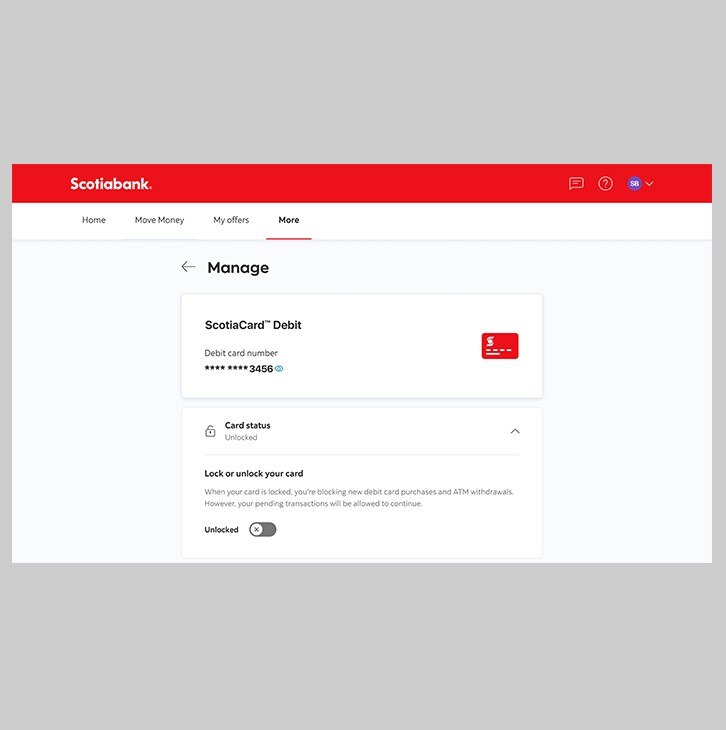
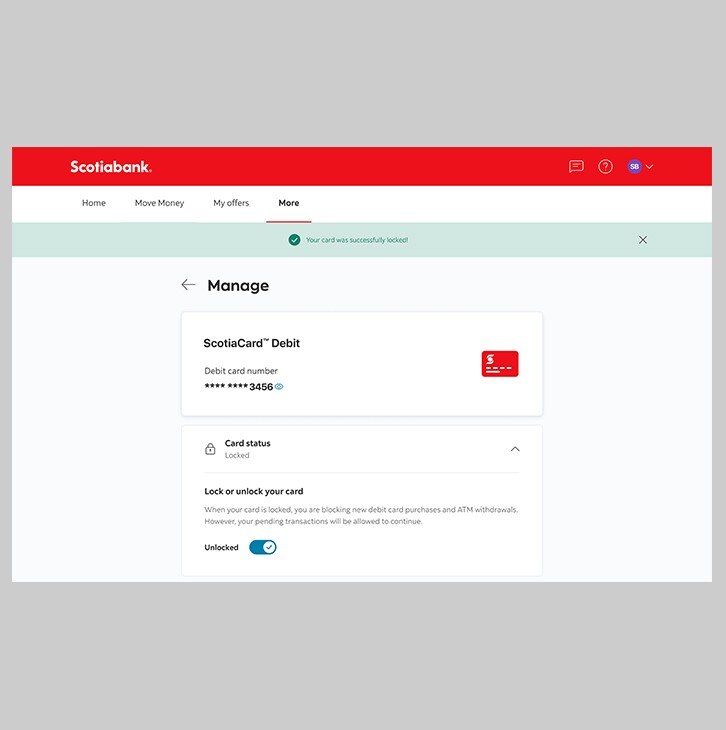
Lock or unlock your ScotiaCard™ Visa® DEBIT.
Let's get started.
Follow the steps below.
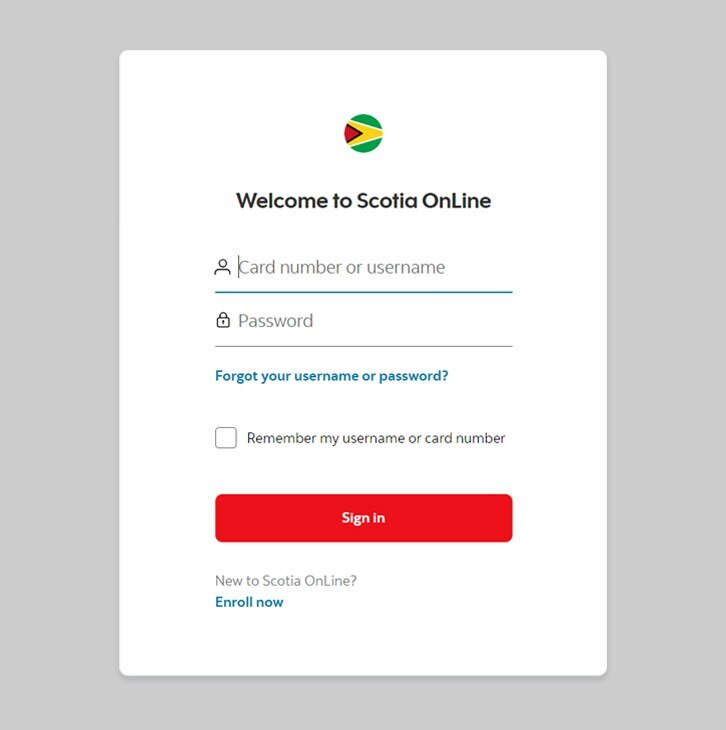
Step 1 - Go to the sign in page
Go to Scotia Online, enter your username, password and then click "sign in".
You should receive your verification code in your email's inbox immediately. If you don't see it, check your spam and/or promotions folder. If after a couple minutes, it's still not there, click the "Send me a verification code" link.
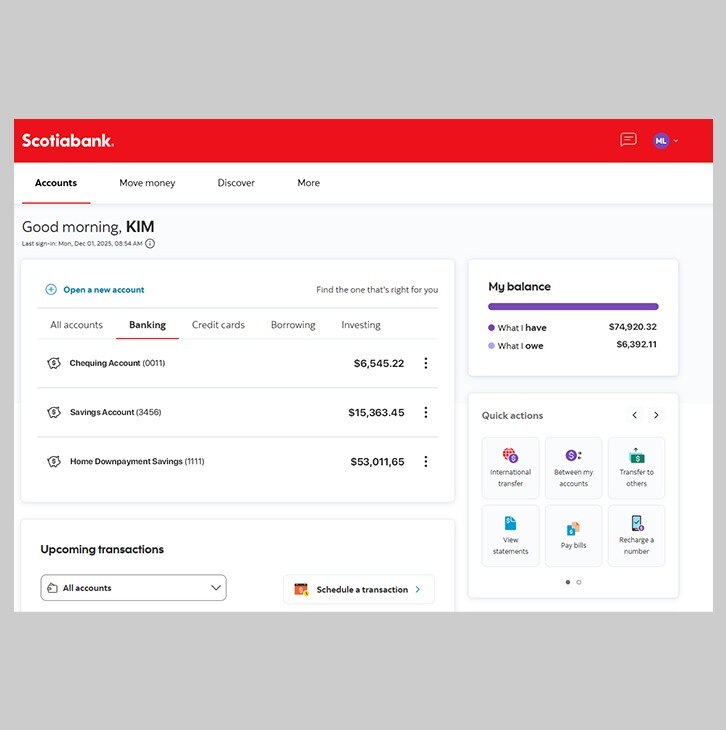
Step 2 - Select your account.
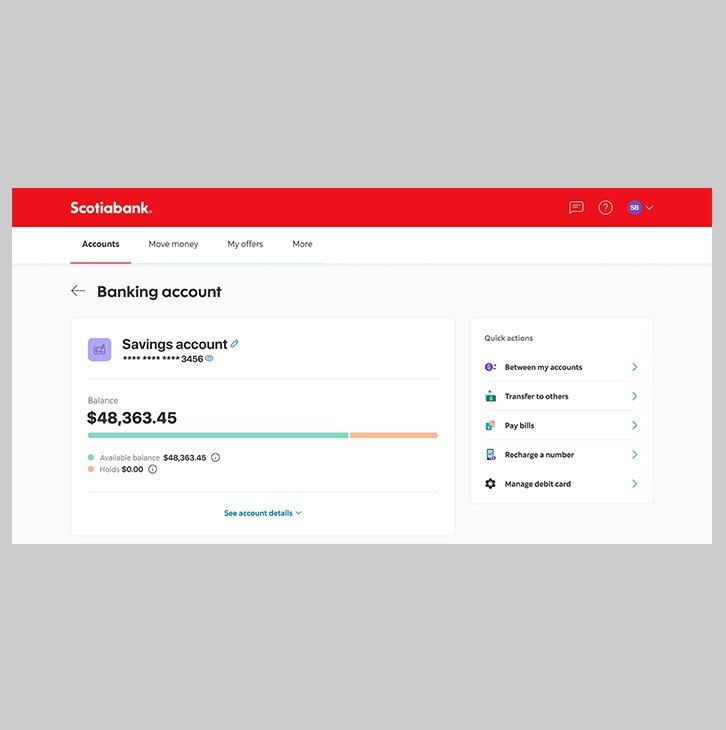
In the dashboard, under Banking account, select the account for which you'd like to set up debit card controls.
Step 3 - View your account and manage your debit card.
Tap on Manage debit card on your screen.
Step 4 - Success! Now, you can set up your debit card controls.
Once you tap on Manage debit card, you'll be able to set your controls:
- Swipe right to lock your card.
- When your card is locked, swipe left to unlock.
- Note: When your debit card is locked, you are blocking new debit card purchases and ATM withdrawals. Any recurring transactions you have set up will continue.